Advantages and Disadvantages of Personal AI Agents: Hermes vs. OpenClaw

Advantages and Disadvantages of Personal AI Agents: Hermes vs. OpenClaw
Personal AI agents are moving beyond simple chatbots.
A chatbot answers a question when prompted. A personal AI agent can remember previous conversations, use software tools, work with files, interact through messaging apps, run scheduled tasks, and carry out multi-step work on a user's behalf.
That difference is important. A chatbot helps with individual tasks. An agent can become part of a person's ongoing workflow.
Two interesting open-source options are Hermes Agent from Nous Research and OpenClaw, an open-source personal assistant built around a local gateway. Both can connect AI models to tools and messaging platforms, but they emphasize different parts of the personal-agent experience.
Hermes focuses heavily on persistent memory, reusable skills, self-improvement, scheduled automation, and delegation. OpenClaw focuses heavily on being an assistant that lives across a user's devices, messaging channels, and companion applications.
Neither is automatically the right choice for everyone. The better option depends on how much control, automation, device access, and technical complexity a user is prepared to manage.
What is a personal AI agent?
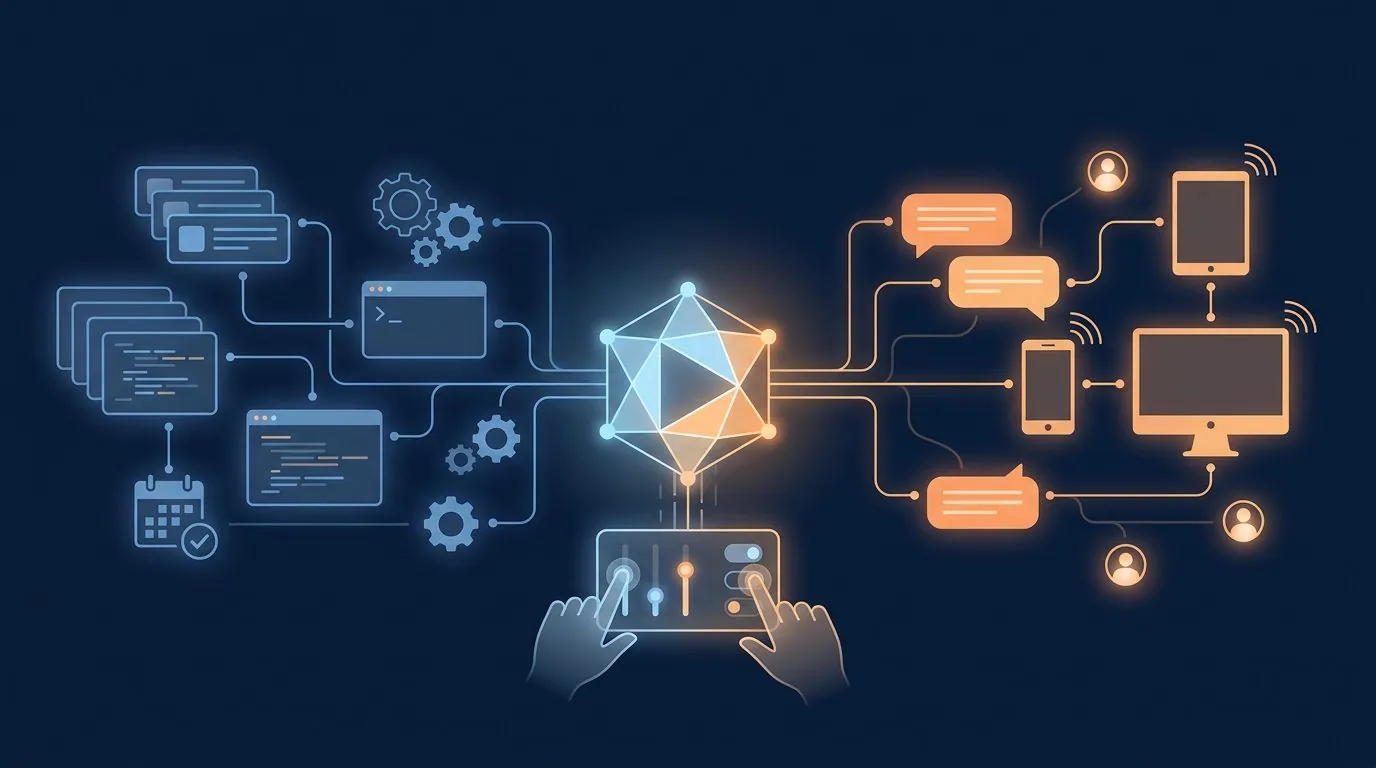
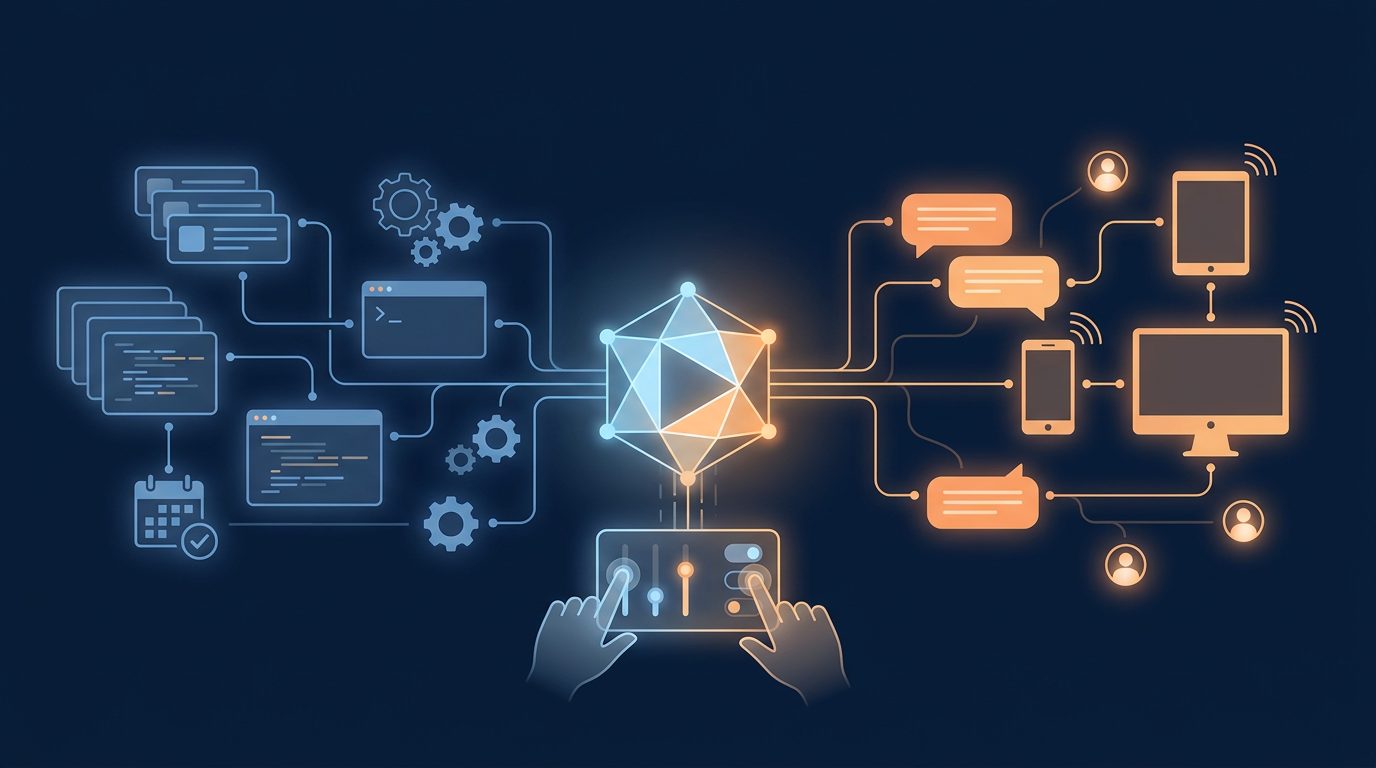
A personal AI agent usually combines several components:
- A language model that interprets instructions and generates responses
- Memory that preserves useful context between conversations
- Tools for browsing, coding, file management, research, and other tasks
- Connections to messaging platforms such as Telegram, Discord, Slack, WhatsApp, or Signal
- Scheduled jobs that can run without a new prompt
- Rules that limit what the agent is allowed to do
- A workspace containing instructions, files, skills, and other context
The result is closer to a digital operator than a traditional question-and-answer assistant.
For example, a personal agent might:
- Review a folder of documents and produce a summary
- Check a website every morning and report changes
- Prepare a weekly analytics report
- Search past conversations for a previous decision
- Draft code, run tests, and explain failures
- Create a recurring reminder in a messaging app
- Monitor a business process and alert the owner when something needs attention
The appeal is obvious: an agent can reduce repetitive work and retain context that would otherwise be lost between conversations.
The risk is also obvious: an agent with access to files, accounts, browsers, terminals, and messaging platforms can cause real damage if it is misconfigured or given too much authority.
The main advantages of personal AI agents
They can maintain continuity
A normal chatbot conversation often starts from scratch. A personal agent can keep selected memories, user preferences, project instructions, and past decisions available across sessions.
That makes the interaction more useful over time. The user does not need to repeatedly explain the same business, codebase, writing style, or operating preferences.
Good memory systems also let the user control what is retained. That matters because storing everything is not the same as remembering intelligently.
They can automate multi-step work
A personal agent can do more than generate text. It can break a larger task into steps, call tools, inspect results, and continue until the work is finished.
For a small business owner, that might mean:
- Pulling data from several sources
- Comparing the numbers
- Identifying unusual changes
- Writing a short report
- Delivering it through Telegram or email
The advantage is not that every task becomes fully automatic. The advantage is that the agent can handle the mechanical parts while the human makes the decisions that require judgment.
They can be available through existing communication channels
Many people do not want another dashboard to check.
Personal agents can meet users in tools they already use, including messaging platforms, command-line interfaces, and web control panels. This makes it easier to ask a question, approve an action, or receive a scheduled report.
An agent that lives in Telegram or Slack can be more practical than one that requires the user to open a separate application.
They can be customized
Most general-purpose AI assistants are designed for a broad audience. Personal agents can be given specific instructions about:
- A company's products and services
- Preferred writing style
- Internal terminology
- Approval requirements
- File locations
- Reporting formats
- Security boundaries
- Recurring business processes
This turns the agent from a generic assistant into a tool shaped around a particular person or organization.
They can reduce dependence on a single AI provider
Both Hermes and OpenClaw can work with multiple model providers. That gives users more flexibility to compare cost, speed, quality, privacy, and availability.
A user may choose one model for routine summarization, another for coding, and a local model for sensitive tasks.
The ability to change models without rebuilding the entire assistant is a useful form of vendor flexibility.
The disadvantages of personal AI agents
They require more technical setup than a normal chatbot
A consumer chatbot usually requires an account and a browser. A personal agent may require:
- Installing software
- Configuring model providers
- Creating API keys
- Connecting messaging channels
- Setting permissions
- Managing a workspace
- Updating dependencies
- Reviewing logs
- Securing the host computer or server
That setup can be worthwhile, but it is not free. The cost may be measured in time and maintenance rather than only subscription fees.
They can make confident mistakes
An agent may misunderstand an instruction, use the wrong file, misread a web page, or produce an incorrect conclusion. A tool-enabled agent can potentially act on that mistake instead of merely displaying it.
The more authority an agent has, the more important human review becomes.
A useful rule is:
Let the agent prepare and investigate freely. Require approval before it sends, publishes, deletes, purchases, or changes something important.
They create security risks
A personal AI agent may have access to private files, shell commands, browser sessions, cloud services, and messaging accounts.
That creates several risks:
- Prompt injection from a web page or document
- Malicious instructions hidden in an email
- Accidental disclosure of private information
- An overly broad command permission
- A compromised API key
- An exposed gateway that accepts messages from unknown users
- A destructive command issued after a misunderstanding
Running an agent locally does not automatically make it secure. Local software still needs authentication, access controls, careful permissions, updates, and sensible isolation.
They require ongoing maintenance
Agents are not appliances that can always be installed once and forgotten.
Model providers change APIs. Messaging platforms change authentication requirements. Operating systems update. Plugins become outdated. Skills and integrations may stop working.
Anyone deploying a personal agent should expect occasional maintenance and should have a way to disable it quickly if something behaves unexpectedly.
Hermes Agent: strengths and weaknesses
Hermes Agent is developed by Nous Research. Its design puts significant emphasis on an ongoing learning loop rather than treating each conversation as an isolated interaction.
Hermes strengths
Strong focus on memory and learning
Hermes includes persistent memories, user profiles, session search, and a skills system. It can preserve useful information across conversations and use procedural skills for recurring types of work.
One of its more distinctive ideas is that the agent can create and improve skills based on experience. In practice, this is intended to make the agent better at repeated workflows rather than simply repeating the same general-purpose prompt every time.
Useful automation features
Hermes includes a built-in cron scheduler for recurring tasks. It can deliver scheduled results to connected platforms.
This makes it suitable for personal briefings, monitoring jobs, backups, recurring research, and operational reports.
Good support for delegation
Hermes can spawn isolated subagents for parallel workstreams. A larger research or coding task can be divided into separate pieces and then combined.
That is useful when the work naturally breaks into independent tasks, although it also adds complexity and makes oversight more important.
Flexible deployment options
Hermes is designed to run in several environments, including local machines, Docker, SSH-based environments, and serverless or hosted execution backends.
That flexibility can help users choose between convenience, cost, privacy, and available computing power.
Migration support from OpenClaw
Hermes provides a migration command for importing selected OpenClaw settings, memories, skills, workspace instructions, and other user data.
That lowers the switching cost for someone who has already built a personal assistant around OpenClaw.
Hermes weaknesses
It can be more than a casual user needs
Hermes exposes a large set of features: tools, skills, memory, cron jobs, gateway connections, subagents, model providers, and execution backends.
That is powerful, but it can feel like operating a small platform rather than installing a simple assistant.
The learning system still needs supervision
A self-improving agent sounds attractive, but automatically created or modified skills should be reviewed. A skill that encodes a wrong assumption can make future work consistently wrong.
Memory is also a tradeoff. The more context the agent retains, the more useful it may become, but the greater the privacy and accuracy concerns.
Tool access creates real operational risk
Hermes can work with terminals and other tools. That makes it useful for technical and business workflows, but it also means permissions should be configured carefully.
Users should separate read-only tasks from actions that can modify files, contact people, publish content, or affect production systems.
It is best suited to users who want an operator
Hermes is a particularly good fit for someone who wants an agent that can research, code, schedule, remember, and work across several backends.
Someone who only wants a conversational assistant may find many of its features unnecessary.
OpenClaw: strengths and weaknesses
OpenClaw describes itself as a personal AI assistant that runs on a user's devices and connects to the channels they already use. Its central architecture is a Gateway that manages sessions, tools, events, and channel connections.
OpenClaw strengths
Strong multi-channel and device orientation
OpenClaw supports a broad range of messaging channels, including WhatsApp, Telegram, Slack, Discord, Google Chat, Signal, and iMessage.
It also supports companion applications and device nodes for capabilities such as voice, camera, screen, Canvas, and device-local actions on supported platforms.
For users who want one assistant available across devices and conversations, this is a major advantage.
Clear local control-plane architecture
The Gateway provides a central place for sessions, tools, events, and channel connections. The Control UI, command line, and terminal interface connect to that Gateway.
This structure can make a multi-device assistant easier to understand and operate once it has been configured.
Extensible skills and plugins
OpenClaw supports tools, skills, plugins, and a community ecosystem through ClawHub.
That gives users several ways to expand the assistant without modifying the entire core application. It also creates the possibility of finding integrations that already solve a particular problem.
Local and hosted model choices
OpenClaw supports hosted and local model providers. Users can choose services based on cost, capability, privacy, or hardware availability.
This is useful for people who want to keep certain tasks on local models while using hosted models for more demanding work.
Companion-device possibilities
OpenClaw can go beyond text conversations by connecting the assistant to devices and companion apps.
For someone interested in voice interaction, screen activity, cameras, or local device actions, this may be more attractive than an agent focused mainly on terminal and workflow automation.
OpenClaw weaknesses
Security configuration is especially important
OpenClaw's documentation warns users to treat inbound messages as untrusted input. Its tools run on the host for the main session unless sandboxing is configured.
That is a powerful setup, but it means users should not expose the Gateway casually or connect additional users without understanding pairing, authentication, sandboxing, and permission boundaries.
The wider device surface increases complexity
Connecting multiple messaging platforms and companion devices can be convenient, but every additional connection adds configuration and security work.
A single local assistant is easier to reason about than an assistant connected to several accounts, phones, computers, cameras, and messaging services.
Plugins introduce another trust decision
Plugins and community skills can add useful capabilities, but they also expand the software supply chain.
Users should inspect what a plugin does, what permissions it needs, who maintains it, and whether it is still being updated before installing it.
It may be more infrastructure than some users need
OpenClaw is appealing to people who want an assistant embedded into their devices and messaging ecosystem. Users interested mainly in research, coding, memory, and scheduled reports may prefer a more workflow-oriented system.
Hermes vs. OpenClaw: which is better?
The answer depends on the type of assistant you want.
Choose Hermes Agent if you care most about:
- Persistent memory and session recall
- Reusable and evolving skills
- Scheduled reports and automations
- Delegating work to multiple agents
- Technical workflows and terminal access
- Running across different execution environments
- Migrating an existing OpenClaw setup while keeping user data
Choose OpenClaw if you care most about:
- Connecting one assistant to many messaging platforms
- Device and companion-app integration
- Voice, screen, camera, and local device capabilities
- A central Gateway and Control UI
- Plugins and a broad community extension model
- Having the assistant present across your devices
There is also considerable overlap. Both can connect models to tools, both can run locally, both support messaging integrations, and both require users to think seriously about security.
This is not a simple contest between a better and worse product. The projects have different center points.
Hermes feels more like a personal operator that learns workflows and carries out structured work. OpenClaw feels more like a personal assistant connected to a user's devices, chats, and surrounding digital environment.
A sensible way to adopt a personal AI agent
The safest approach is to start with low-risk tasks.
Begin with:
- Summarizing documents
- Searching your own notes
- Drafting reports
- Preparing code without deploying it
- Creating reminders
- Producing read-only monitoring reports
Then add permissions gradually.
Before allowing an agent to take external actions, establish clear rules:
- Which files can it read?
- Which files can it modify?
- Which commands require approval?
- Can it send messages?
- Can it publish content?
- Can it access passwords or browser sessions?
- What happens if it receives an instruction from an unknown person?
- How can the owner stop it immediately?
The best personal AI agent is not the one with the most permissions. It is the one that handles useful work while keeping the human in control of consequential decisions.
Final thoughts
Personal AI agents can provide more value than ordinary chatbots because they combine memory, tools, automation, and continuity.
They also introduce responsibilities that do not exist with a basic chat interface. Users need to manage permissions, protect private information, review important output, and maintain the system over time.
Hermes Agent and OpenClaw represent two strong approaches to the category.
Hermes is compelling for people who want a learning, memory-rich operator that can automate workflows and delegate work. OpenClaw is compelling for people who want a personal assistant woven into their messaging platforms, devices, and companion applications.
For technically confident users, either can become a useful daily system. For everyone else, the right starting point may be a smaller, more limited deployment with read-only access and human approval for anything consequential.
The goal is not to hand over control. The goal is to build a reliable assistant that earns more responsibility over time.
Sources
- Hermes Agent official documentation
- Hermes Agent GitHub repository
- OpenClaw official documentation
- OpenClaw GitHub repository
Trying to figure out where AI agents fit in your business - and how to put the right guardrails around them? That's exactly the kind of thing we help with. Get in touch.